
openflow
Dictation that keeps up with your thoughts
A macOS menu-bar app for fast push-to-talk transcription. Hold a key, speak naturally, and see your words cleaned up and inserted wherever your cursor is.
Requires macOS 26 or later, Apple silicon or Intel, a microphone, and Accessibility permission.
What it does
Talk once, paste never.
openflow turns your voice into text anywhere you can type. It listens while you hold a key, then cleans and inserts the result directly at your cursor.
- Global push-to-talk shortcut that works in every app.
- Context-aware formatting for chat, email, code, and terminals.
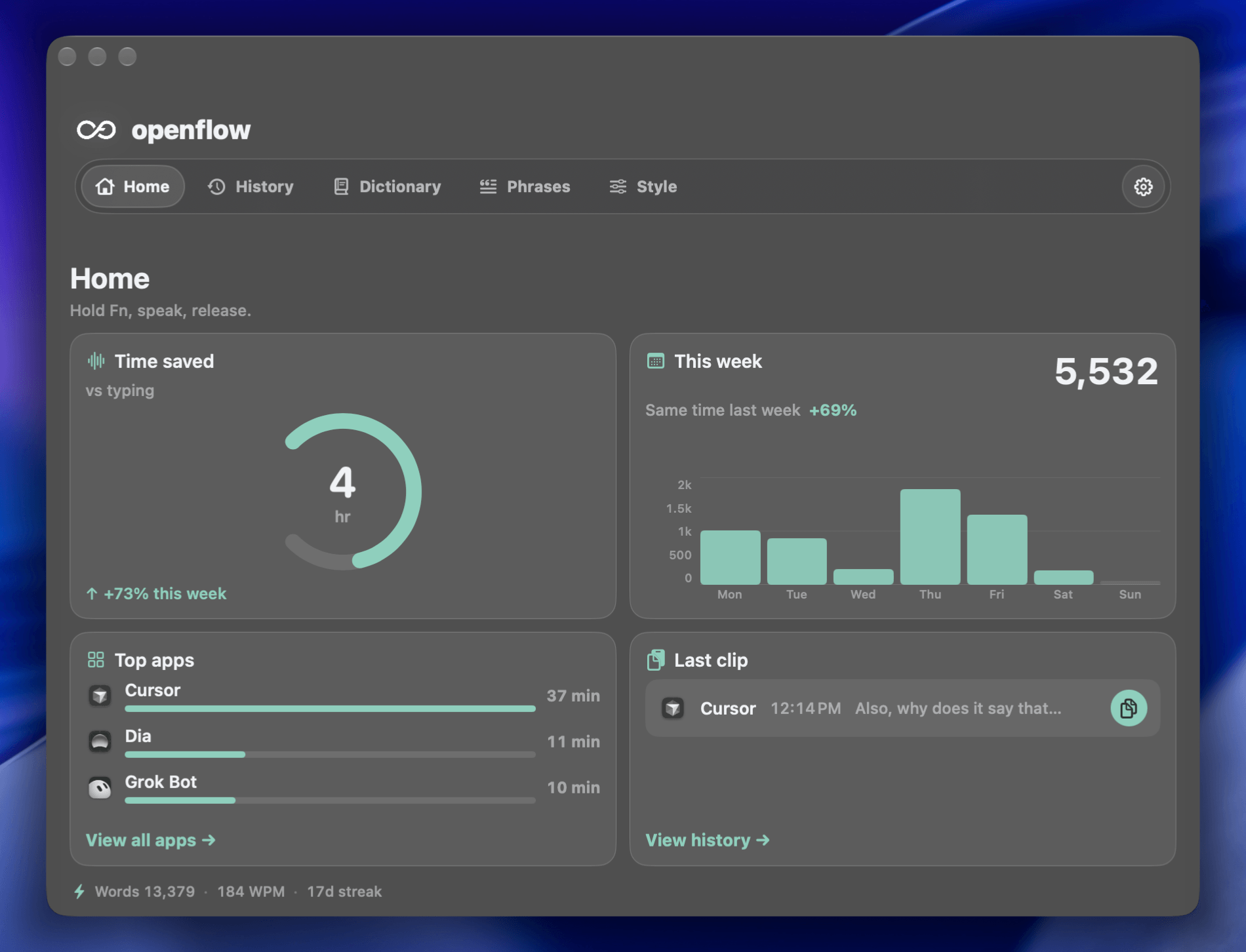
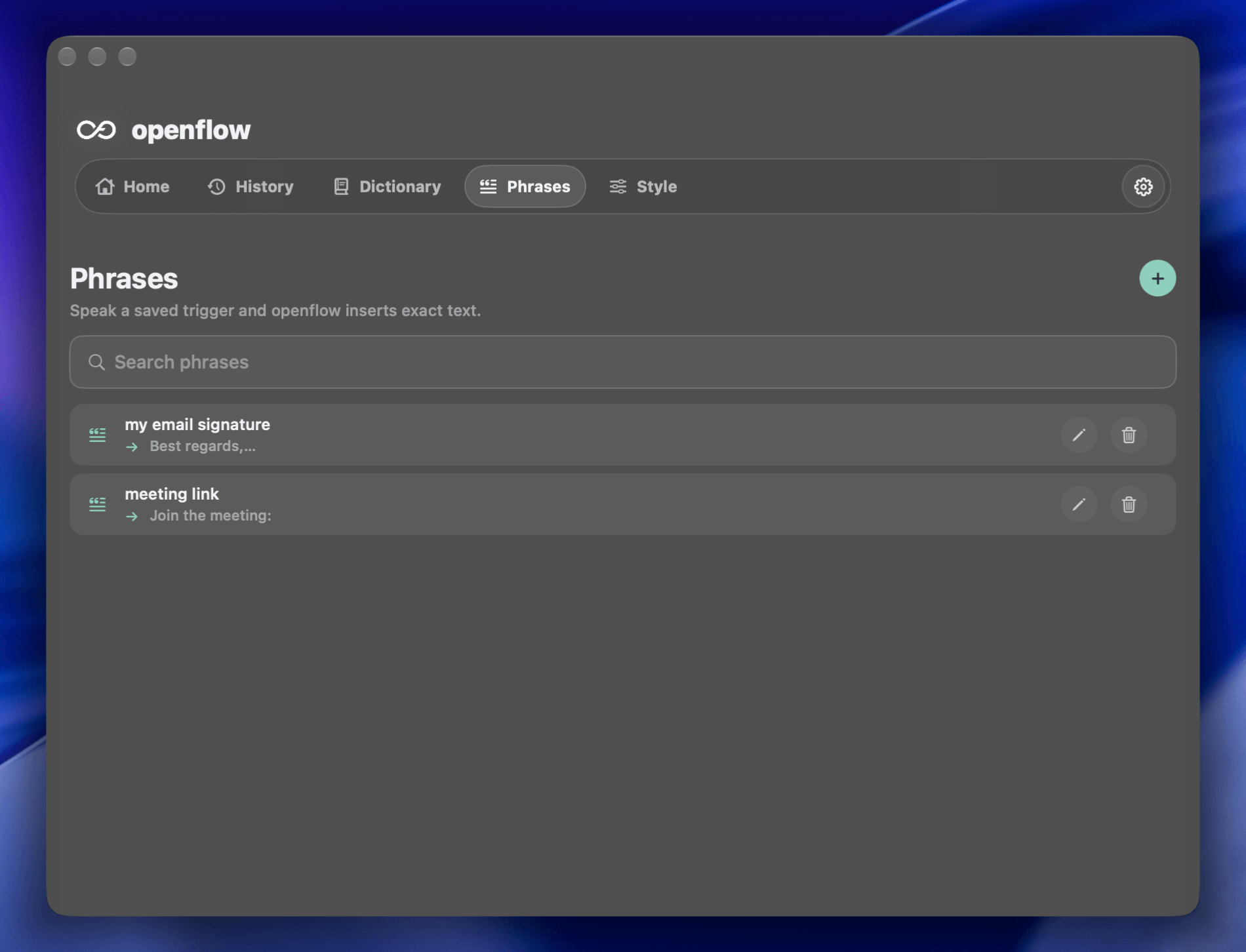
- Snippets, transforms, and a local history log.
Push-to-talk everywhere
Hold your shortcut, speak, and release. openflow transcribes your voice and inserts the result at your cursor in whatever app is frontmost.
Context-aware cleanup
It notices the app you are in and the page you are on, then picks the right formatting style automatically. Casual in chat, polished in email, code-safe in a terminal.
Private by default
Use the free plan, openflow Pro, or your own Groq key. Audio and transcript content are processed to complete your request and are not retained by openflow by default.
In action
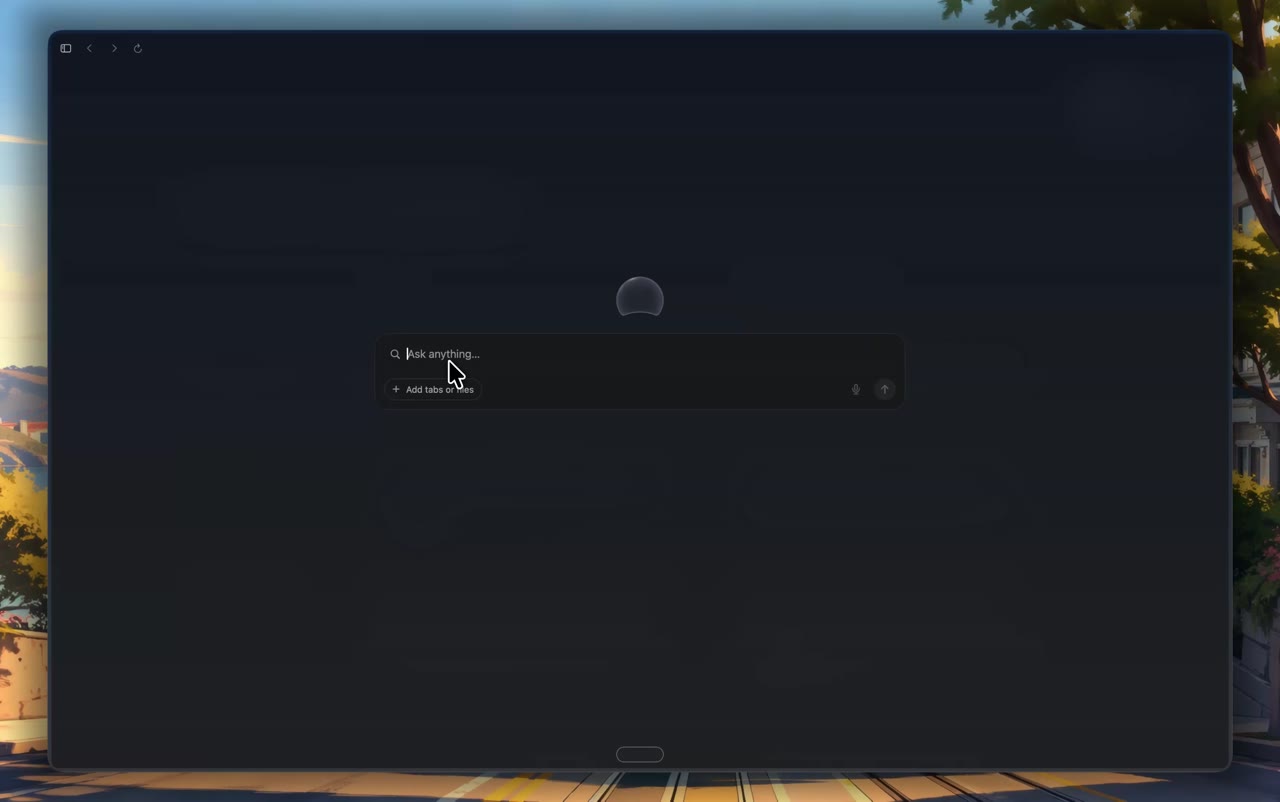
Speak into any text field.
openflow floats above every app. Hold your shortcut, talk, and watch the words appear in the exact input you were about to type into.
Product Hunt launch
openflow is a push-to-talk
dictation app for macOS.
Hold a key, speak, release.
Terminal
$ git commit -m "Add voice dictation support"
One shortcut
The same key works in Notes, Terminal, Slack, Mail, and every other app.
Context-aware
It picks the right formatting for the app in focus -- prose, code, or commands.
No pasteboard
Text is typed directly into the field through Accessibility APIs.
Works where you work
Every app is a dictation target.
If you can type there, you can talk there. openflow sends text directly to the focused text field, no integration required.
Plus every browser, editor, and text field on your Mac.
How it works
Hold, speak, release.
Four steps between a thought and text on the page. No windows to open, no modes to switch.
Set your shortcut
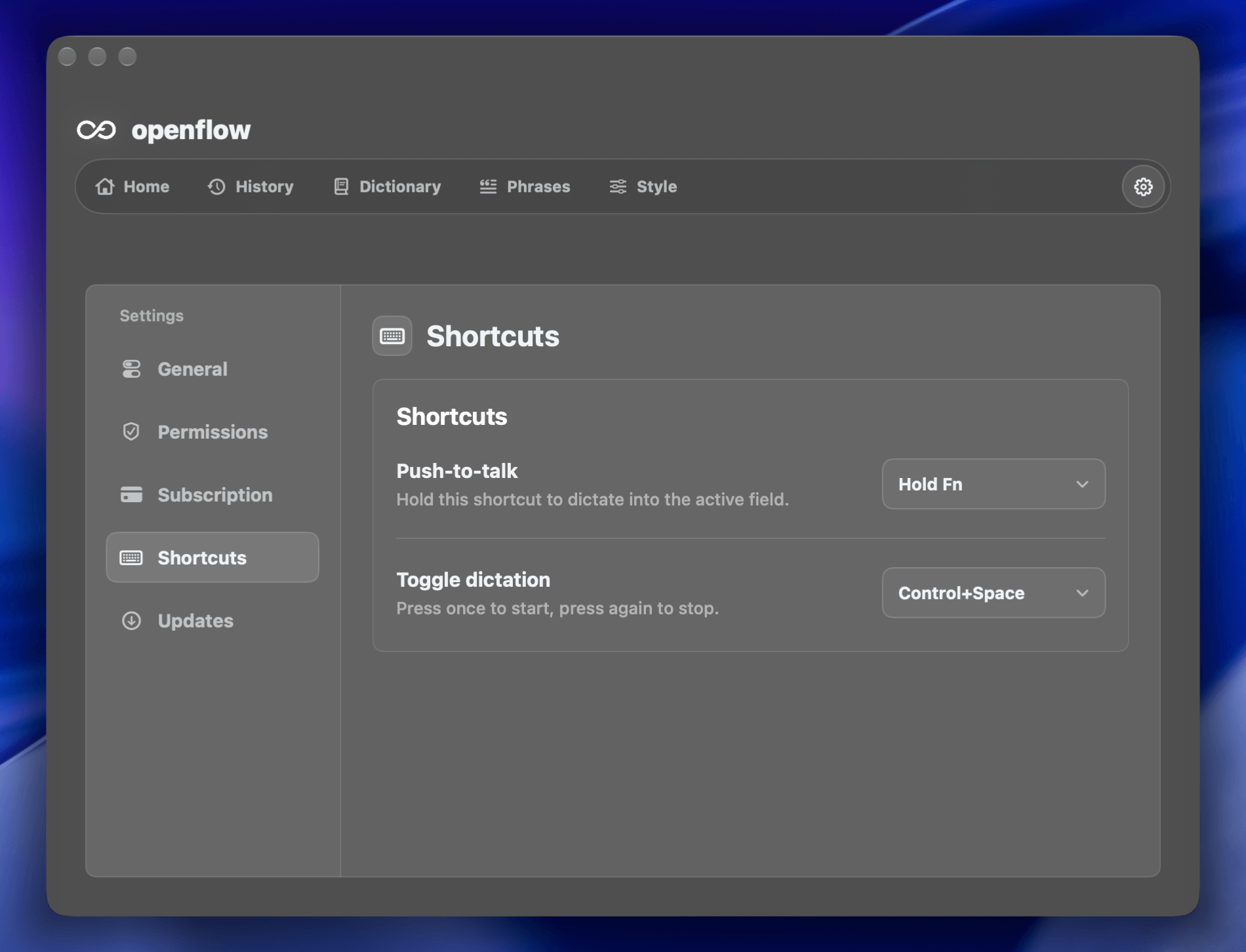
Choose a global hotkey that feels natural. Use Fn, Option, Control+Space, or any combination that fits your flow.
Hold and speak
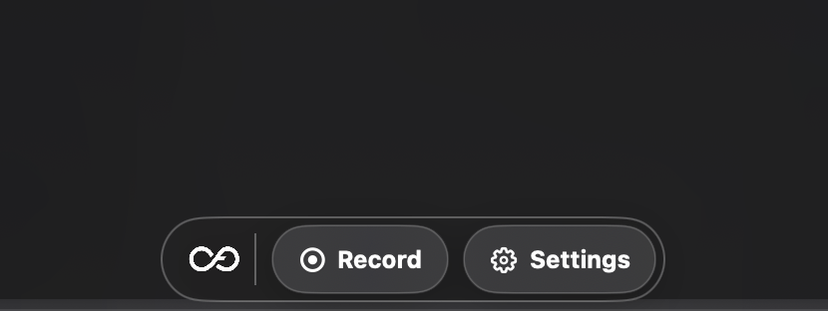
Microphone captures audio only while the key is held. A small floating pill shows that openflow is listening.
Release to insert
openflow transcribes, cleans up punctuation and casing, and types the result directly into the text field where your cursor is.
Keep flowing
Use snippets, transforms, and a local history log to turn repeated phrases and edits into one shortcut.
Privacy by design
Your voice stays yours.
Choose how it runs
Use openflow Free or Pro through our secured service, or keep your own Groq key in macOS Keychain.
No clipboard fallback
openflow inserts text through Accessibility APIs, never the pasteboard, so it works consistently and leaves nothing on the clipboard.
History stays on your Mac
A local history log helps you reuse recent dictations. It is not uploaded or synced unless a future sync feature is explicitly enabled.
Get openflow
Speak, and it
appears.
Download openflow for macOS and turn any text field into a microphone.